1 / 5
–
Rating
0 Ratings
382
Downloads
7.7K
Views
0
Thanks
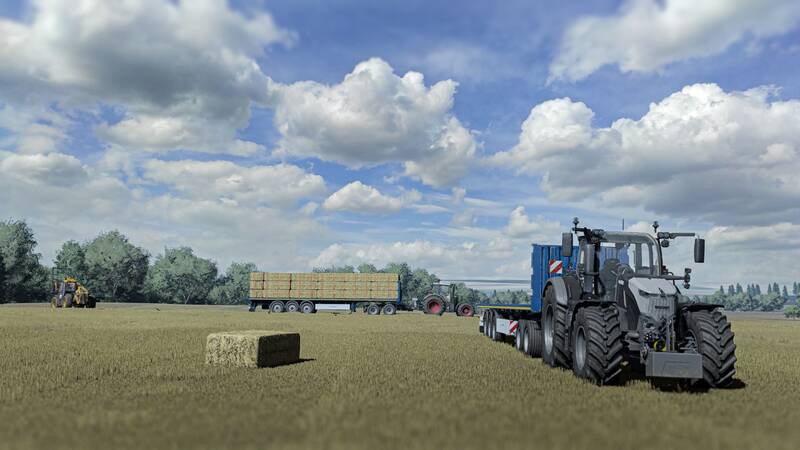
Enhance your Farming Simulator experience with Reshade!
- Install Reshade and choose Giants Engine 9.0.0.0 and DirectX 10, 11, or 12.
- During installation, select the initial setting from the X64 folder and install the effects (or install all effects for simplicity).
- Navigate to
Program Files (x86) \ Steam \ Steamapps \ Common \ Farming Simulator 22and place the X64 folder withShaders2025.ini. - Start the game, press the "Home" button, and select "Shaders2025.ini".
- Go to the "Accessories" tab and adjust your resolution for the best visuals!
Enjoy improved graphics and a more immersive farming experience.
Comments
You must be logged in to comment.
No comments yet.